game info field guide
Shift At Midnight Multiplayer, Crossplay, and Player Count
Quick answer
Shift At Midnight supports solo play and online co-op. The intended group is up to three players, although a day-one patch raised the technical lobby cap to six. Xbox console and PC Game Pass players can crossplay with each other; Steam players currently join other Steam players, not Xbox-network lobbies.
Is Shift At Midnight Multiplayer?
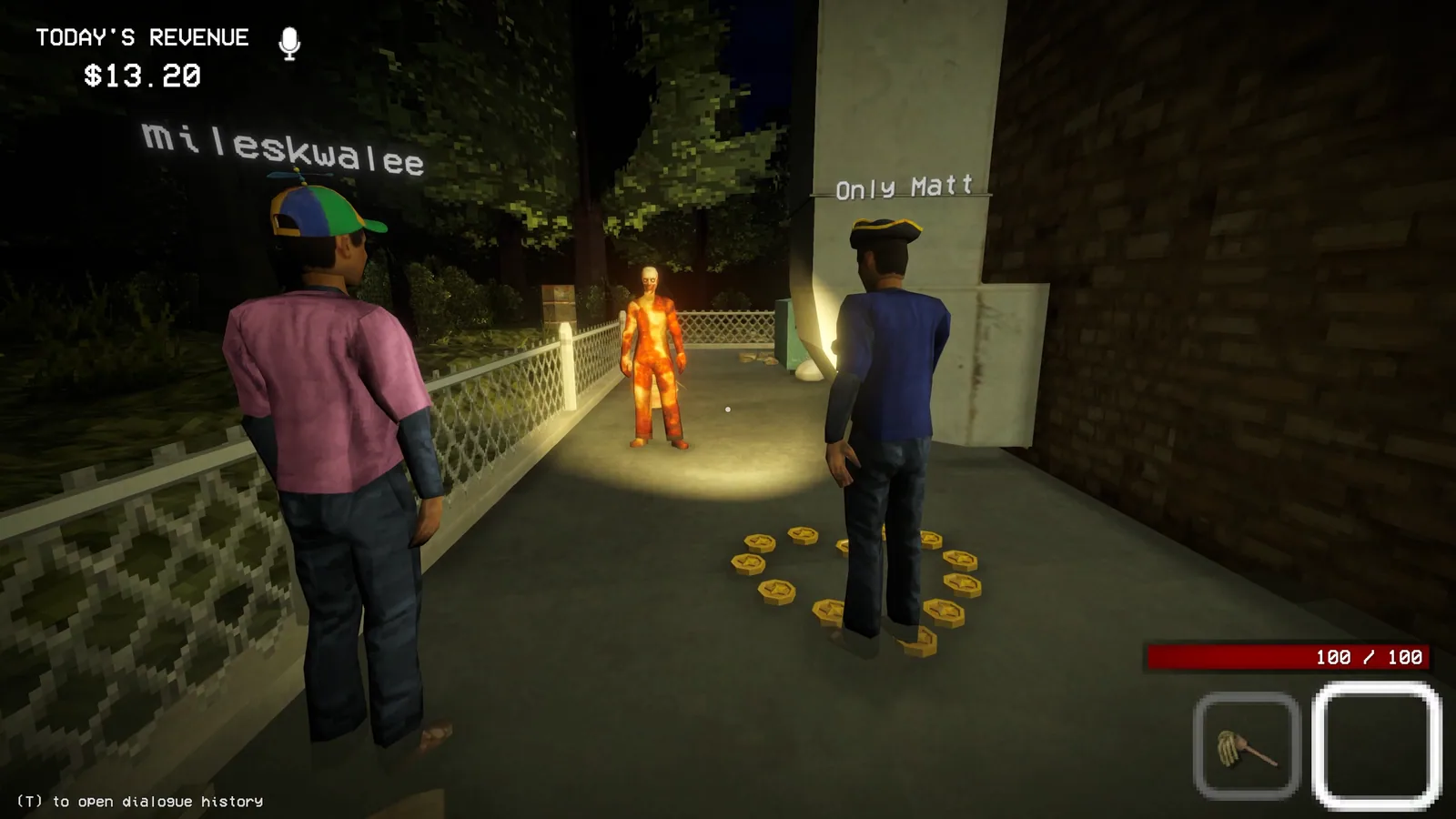
Yes. Shift At Midnight supports both single-player and online co-op. The investigation remains the same at its core: check customers, run the station, and survive the consequences of a missed doppelganger.
Co-op adds coordination and proximity voice chat. It does not remove the need to verify each customer. A group is most effective when players communicate the actual ID, computer, behavior, or answer they observed instead of shouting an unsupported verdict.
How Many Players Can Play?
The developer designed and marketed Shift At Midnight around up to three players. The Xbox capability listing similarly describes online co-op for two to three players.
A day-one patch raised the technical lobby maximum to six. The developer also warned that more than three can become chaotic and is not recommended for a first playthrough.
So there are two correct numbers:
- Three players: the intended and recommended group size.
- Six players on Steam: the optional technical lobby cap added in the day-one patch.
For the clearest experience, plan around three. Treat the larger lobby as an optional, less balanced setup that could change in a later update.
How to Invite Friends
- Start the same platform-network version of the game.
- Make sure every player has finished pending updates.
- Create or open an online lobby.
- Invite friends through the game or the relevant platform friends interface.
- Confirm the lobby size before starting the shift.
Storefront choice matters. A Steam owner should invite Steam players, while Xbox console and PC Game Pass users share the Xbox crossplay environment.
Shift At Midnight Crossplay by Platform
Crossplay exists, but it is not universal:
| Player A | Player B | Can they play together? |
|---|---|---|
| Xbox console | PC Game Pass / Xbox app version | Yes |
| Steam | Steam | Yes |
| Steam | Xbox console or PC Game Pass | No verified crossplay path |
| PS5 | Any current version | No current PS5 version is listed |
“PC” alone is not enough to determine compatibility. Xbox consoles and the Windows Xbox/Game Pass version use the Xbox network and can play together. Steam players use Steam matchmaking and can select the optional six-player lobby cap. No official Steam-to-Xbox crossplay path is currently documented.
That also answers the common Xbox-and-PS5 question: Shift At Midnight does not currently have a PS5 store listing, so there is no PS5 crossplay path. Recheck the platform guide if a PlayStation version is announced later.
If a group has not bought the game yet, choose the same ecosystem first. See the platform guide for the current storefront options.
Groups looking for a different co-op game can compare the verified Xbox and PC options in games like Shift At Midnight.
Solo vs Co-op
Solo is the quieter way to learn a consistent customer-checking routine. You control every decision, but you also handle the station and survival tasks without help.
Co-op lets players divide attention across customer paperwork, computer checks, observation, and defense. Proximity chat adds tension because communication can depend on where teammates are standing. The game does not require fixed roles, so a small group can rotate jobs as the shift develops.
Whether alone or in a group, the doppelganger checklist provides a repeatable decision process.
What to Check When Multiplayer Is Not Working
- Confirm everyone installed the latest game update.
- Confirm everyone is on the same storefront network: Steam with Steam, or Xbox console with PC Game Pass.
- On Xbox console, verify the account has the online multiplayer access required by the platform.
- Restart the lobby after a host or player updates.
- Check the developer’s latest platform announcement for a temporary network branch or known outage.
- If an official temporary branch is required, every person in the lobby must use the same branch and then return to the current public build when the developer retires that workaround.
Avoid following an old beta-branch instruction indefinitely. Network fixes can be temporary, and mixed builds are themselves a common reason friends cannot join.